
 Image 1 of 3
 Image 2 of 3
 Image 3 of 3
Dual Vertical Monitor Mount — Clamp Base
Overview
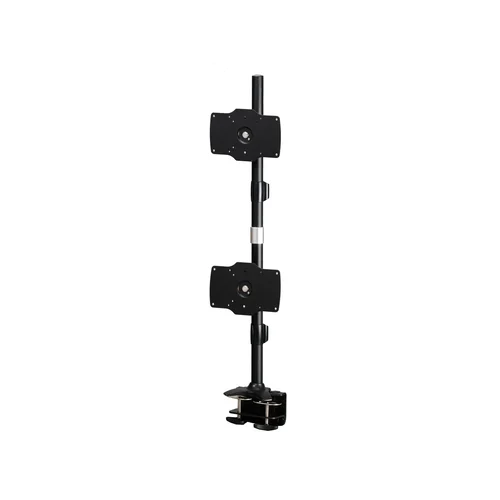
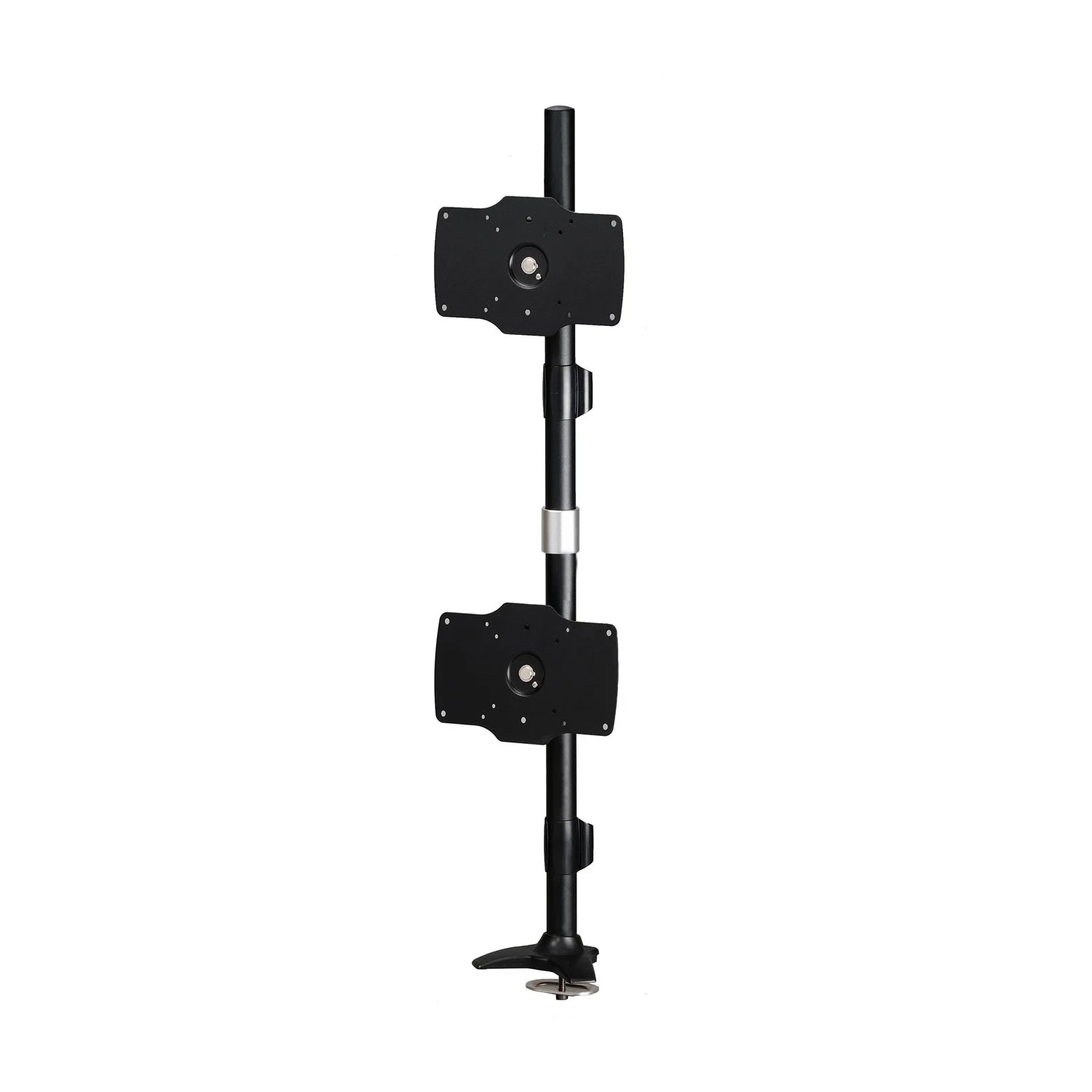
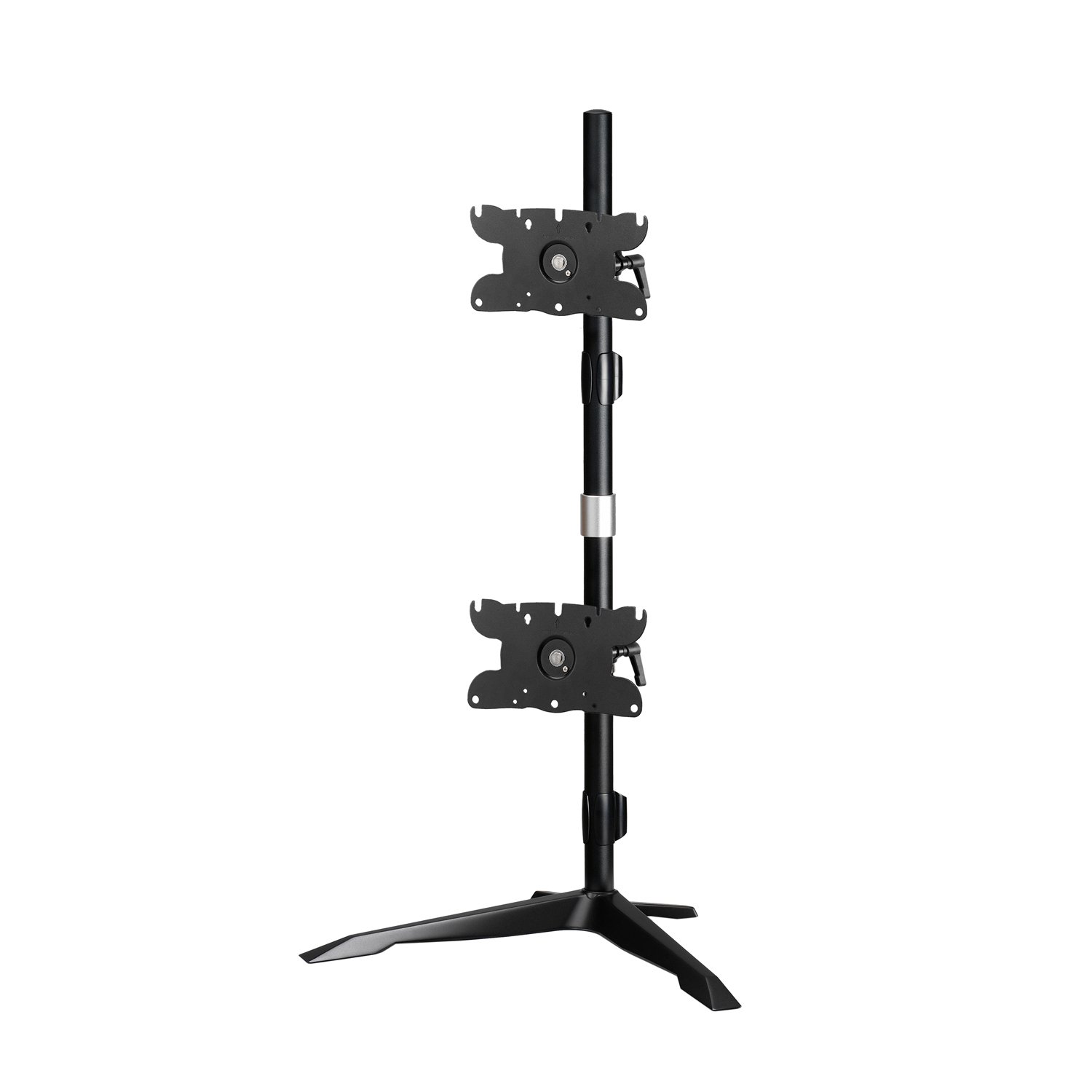
The AMR2C32V is a dual vertical monitor mount that stacks two displays on a shared clamp base, freeing up desk width without sacrificing screen space. The clamp attaches securely to the edge of the desk, requiring no drilling or permanent modification to install. Each arm adjusts independently, so monitors can be positioned at the height that works best for your workflow, and both displays rotate a full 360° for landscape or portrait orientation. Compatible with flat and curved monitors up to 32″ and 12 kg per display.
Key Features
Feature Detail
Vertical Configuration
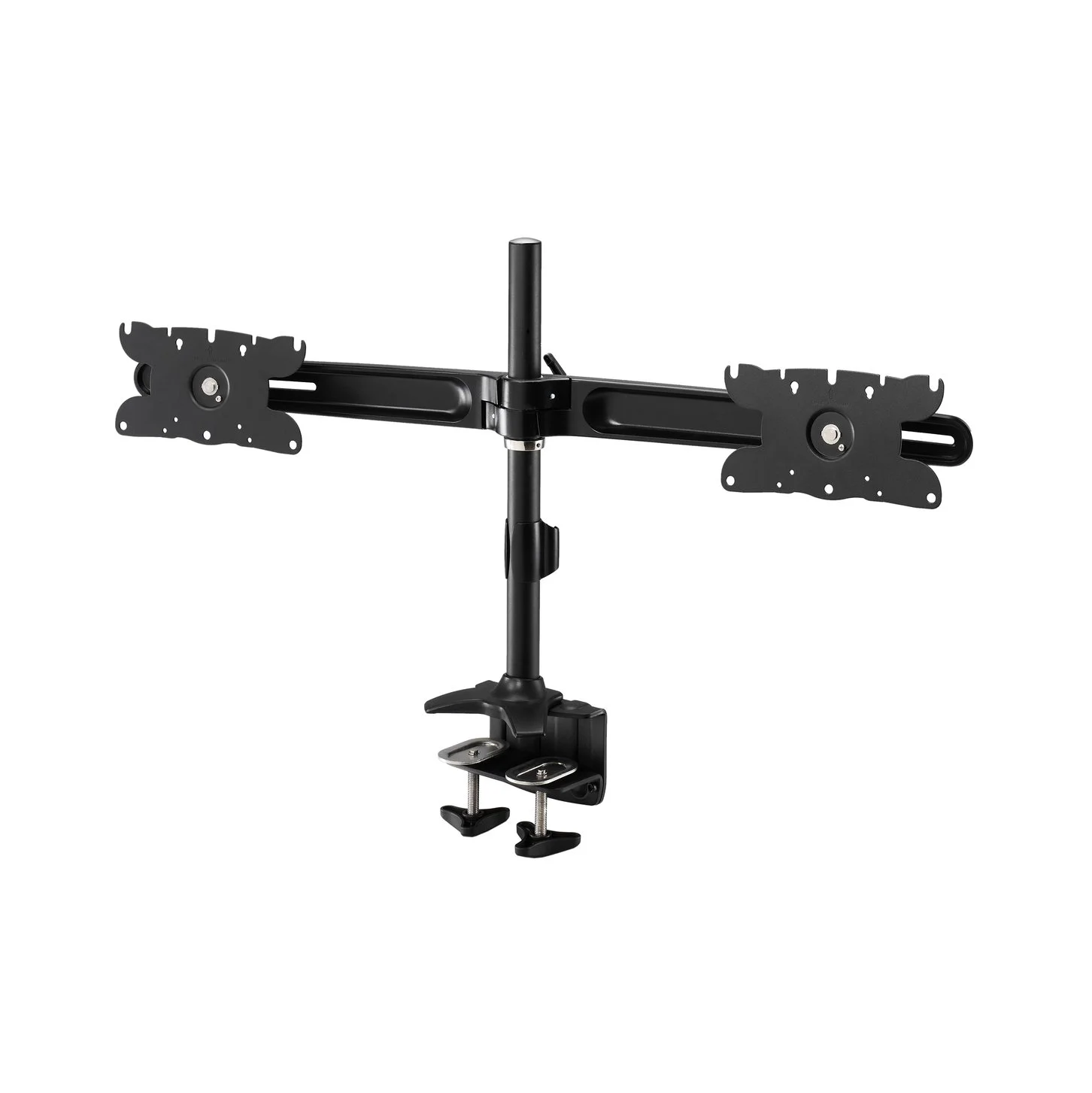
Mounting monitors vertically uses no more desk space than a single monitor, making it the practical choice for desks where width is limited or workspace real estate matters. Both arms attach to a shared pole, so the mount itself adds no additional footprint beyond that. It keeps both screens in your direct line of sight without requiring a wide surface — making it well suited for coding alongside documentation, referencing material while working in a primary application, or any workflow that benefits from two screens without placing them side by side.
Clamp Mount
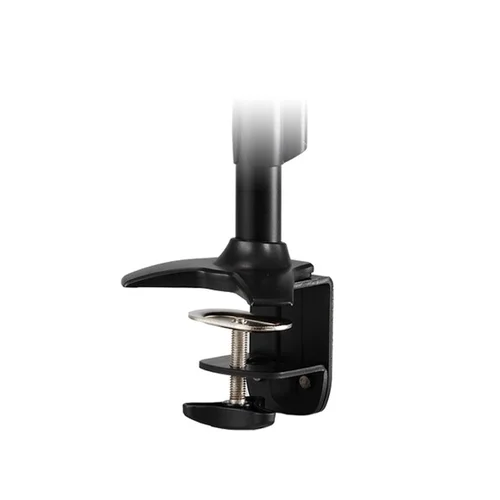
The clamp base attaches directly to the edge of your desk, gripping the surface securely without any drilling, cutting, or permanent modification. It accommodates a range of desk thicknesses and tightens securely, making installation a one-person job. Once clamped, the base holds firm under normal repositioning loads and keeps the full desk surface clear with minimal footprint to reclaim your workspace. Clamp mounts are a practical choice for standard desk edges, including most standing desk frames, and can be removed and relocated without leaving any marks on most surfaces.
Ergonomics
When a monitor is at the wrong height and below natural eye level it forces the head forward and down for hours at a time — a leading cause of neck and upper back strain in desk-based work. The mount raises the monitor to a comfortable viewing height and holds it there, encouraging a more upright posture throughout the day. Tilt adjustment lets you angle the screen to match your exact seated position and eliminate glare without shifting your chair. Small adjustments to monitor height and angle add up to a more comfortable workday.
Independent Arm Adjustment
Each arm on this mount adjusts independently, so the top and bottom monitor don’t have to move together. Slide either display up or down along the shared column to set a comfortable stacked height, then fine-tune with a tilt of up to 15° in either direction to cut glare from overhead lighting. Because the arms move separately, you can favor one monitor as a primary display at eye level while the second sits above or below for reference material — without disturbing the position of either screen when you adjust the other.
Specifications
| Parameter | Value |
|---|---|
| Monitor Size Range | Up to 32″ |
| Supported Weight — Flat Screen | 12 kg (26.5 lbs) |
| Supported Weight — Curved Screen | 12 kg (26.5 lbs) |
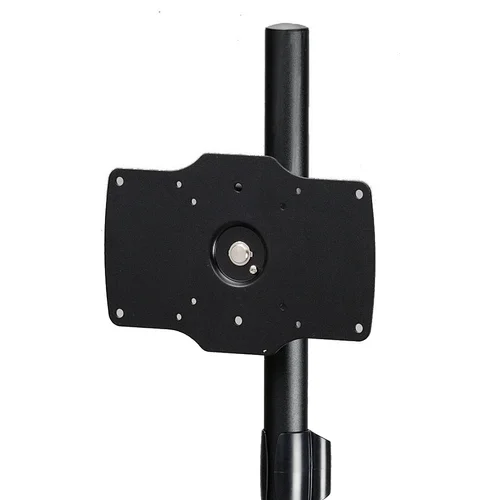
| VESA Compatibility | 200×100 / 100×100 / 75×75 mm |
| Material | Steel / Aluminum Alloy / Plastic |
| Colour | Black |
| Swivel | 360° |
| Tilt | +15° (Up) and −15° (Down) |
| Rotation | 360° |
| Arm Full Extension — Forward | N/A |
| Arm Full Extension — Height | 890 mm (35.0″) |
| Assembled Weight | 4.83 kg (10.65 lbs) |
| Estimated Time to Assemble — Not Experienced | — |
| Estimated Time to Assemble — Experienced | — |
| Clamp Installation | |
| Compatible Surface Thickness | 8 – 50 mm (0.31″ – 1.97″) |
| Clamp Width | 158 mm (6.22″) |
| Box Weight | 6.67 kg (14.70 lbs) |
| Box Dimensions | 749 × 372 × 162 mm (29.5″ × 14.63″ × 6.38″) |
| UNSPSC | 43212002 |


Included in the Box
Warranty and Parts
Downloads